
Improve your site's SEO
Use Pagecloud’s page and site settings to help search engines understand your classic Pagecloud site. If you have an AI Site, use SEO and analytics for AI Sites.
New to SEO? Start with our detailed guide to SEO basics.
How does a custom domain help SEO?
Pagecloud lets you connect a custom domain from any domain registrar.
A custom domain gives search results and shared links a consistent branded address. Connecting one does not guarantee higher rankings.
How do I set title tags and meta descriptions?
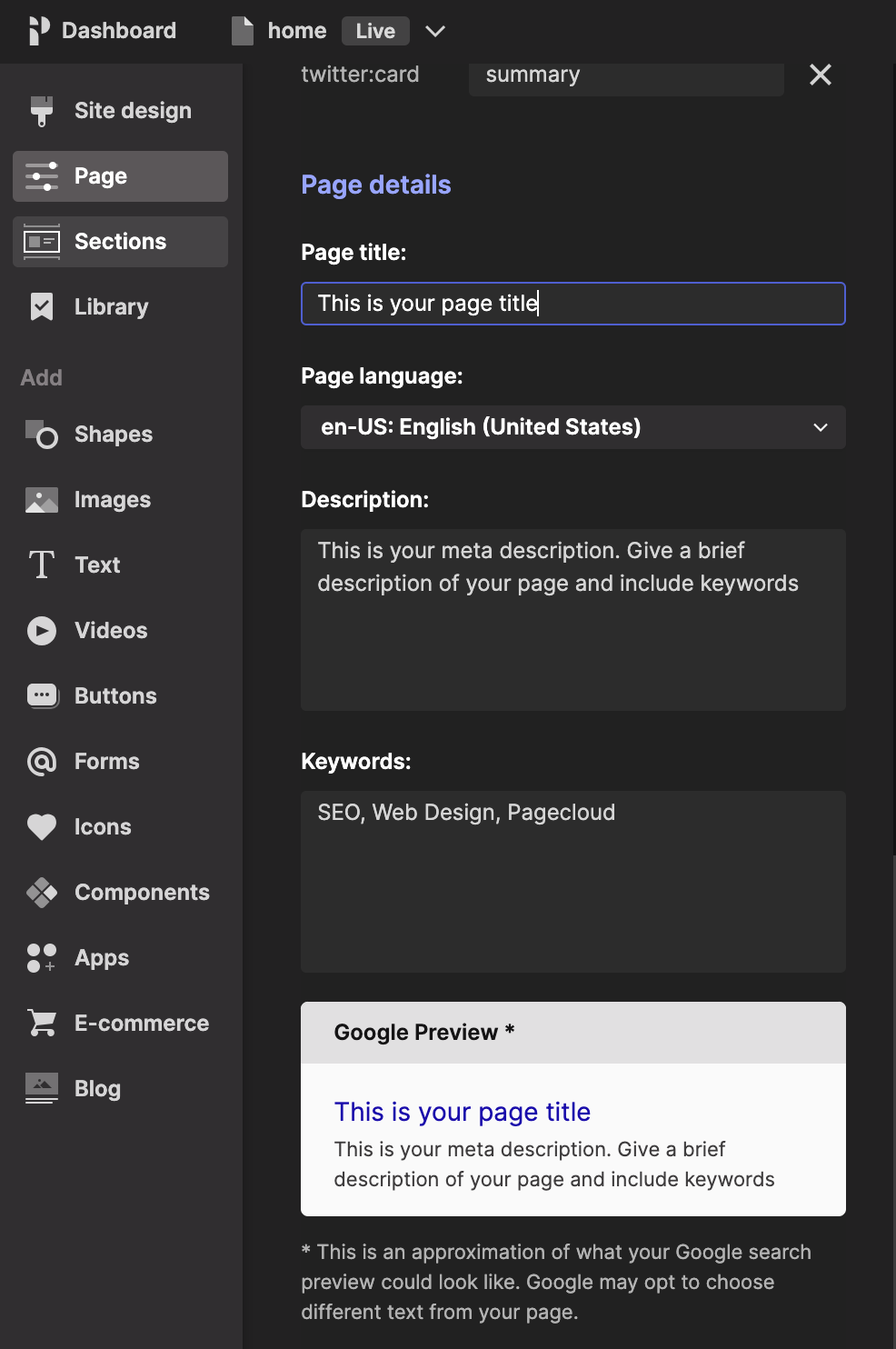
The page settings tab in the Sidebar lets you customize the title tag and meta description. Pagecloud previews how the page can appear in a search result. Learn more about page titles.
How should I structure page URLs?
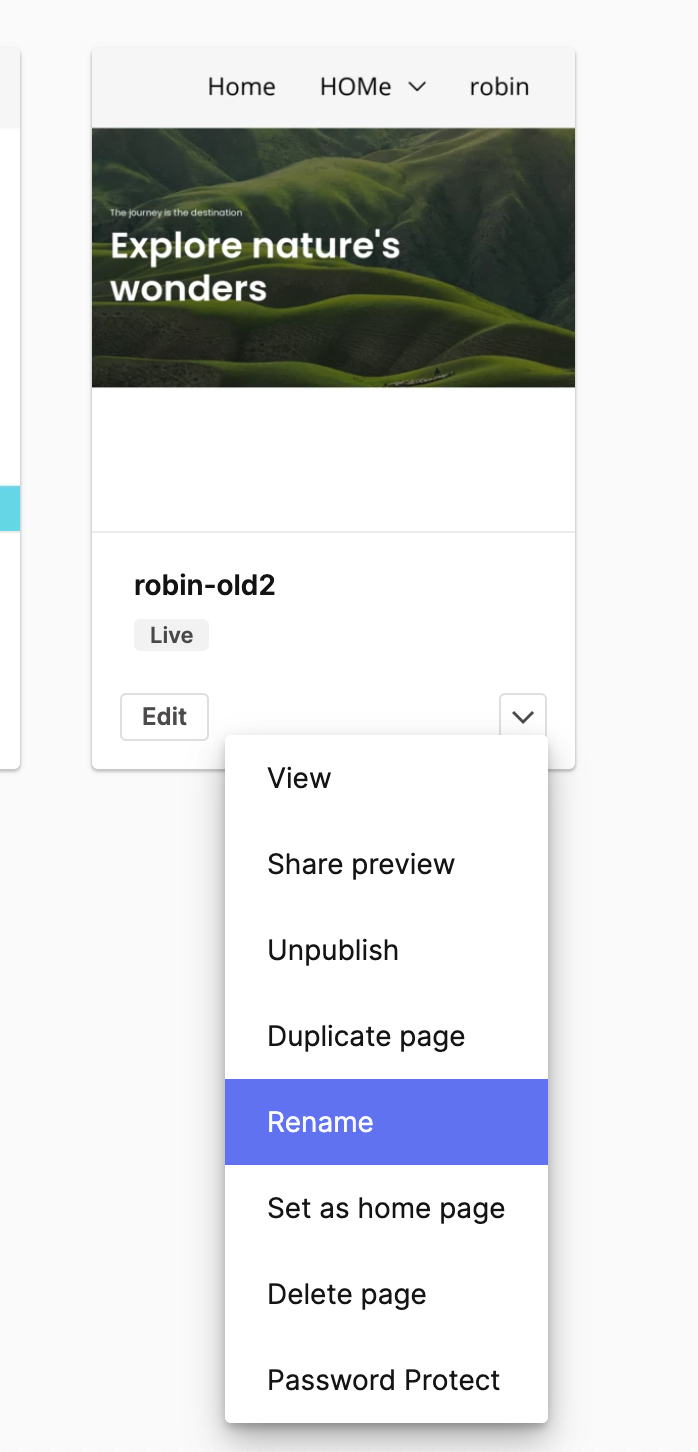
You can name or rename a page from the Pages tab or site dashboard. Use short, descriptive words in its URL. When you create a new page, Pagecloud asks you to name it.
Renaming a published page can break existing links. Add a redirect from the old address to the renamed page.
How should I use heading tags?
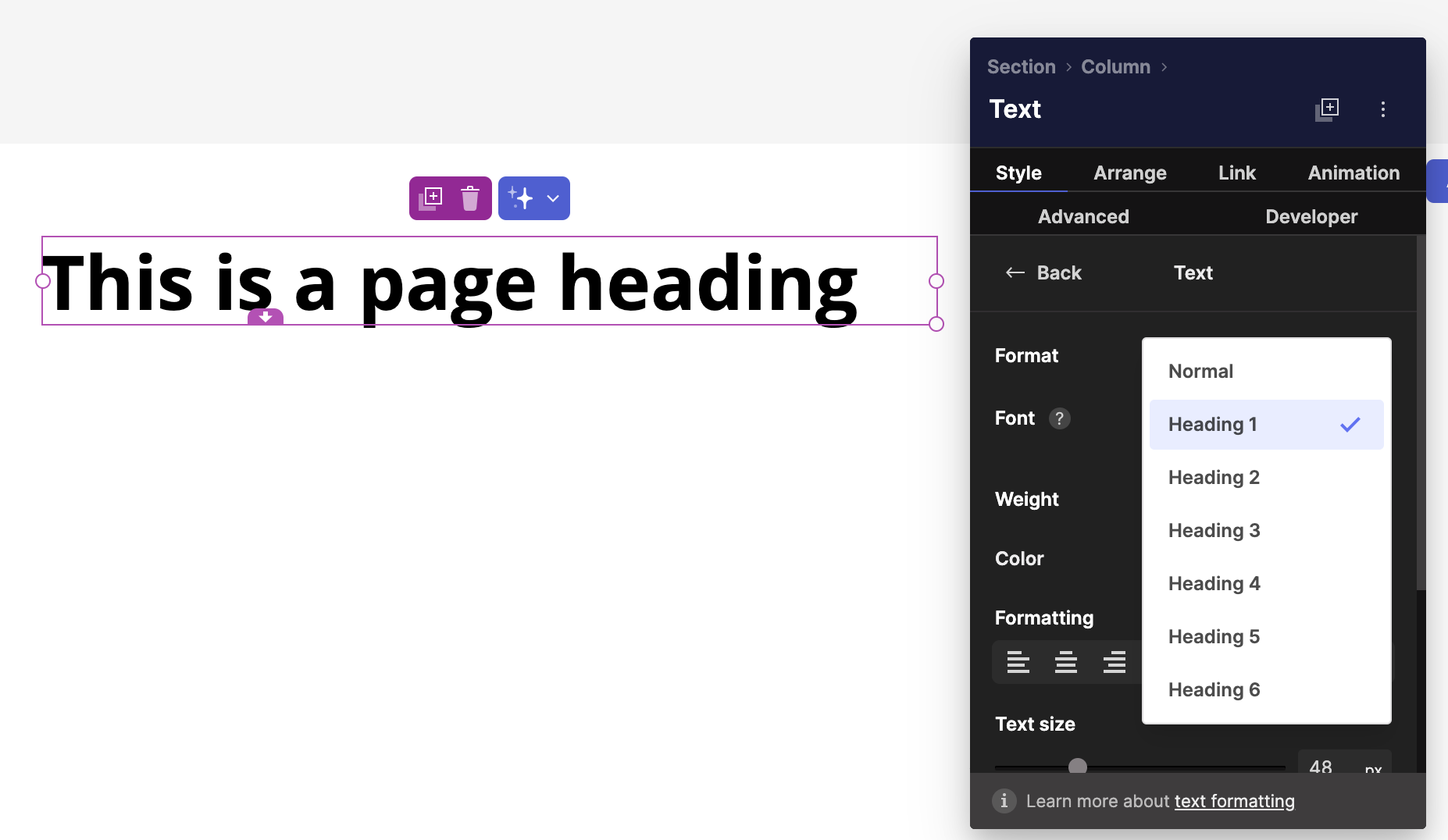
Pagecloud’s text editor lets you assign heading levels to text. Double-click a text box, then select More to find the format option.
Use one clear H1 for the page title. Organize sections with H2 headings and use lower levels for subsections without skipping levels.
How do I add image alt and title text?
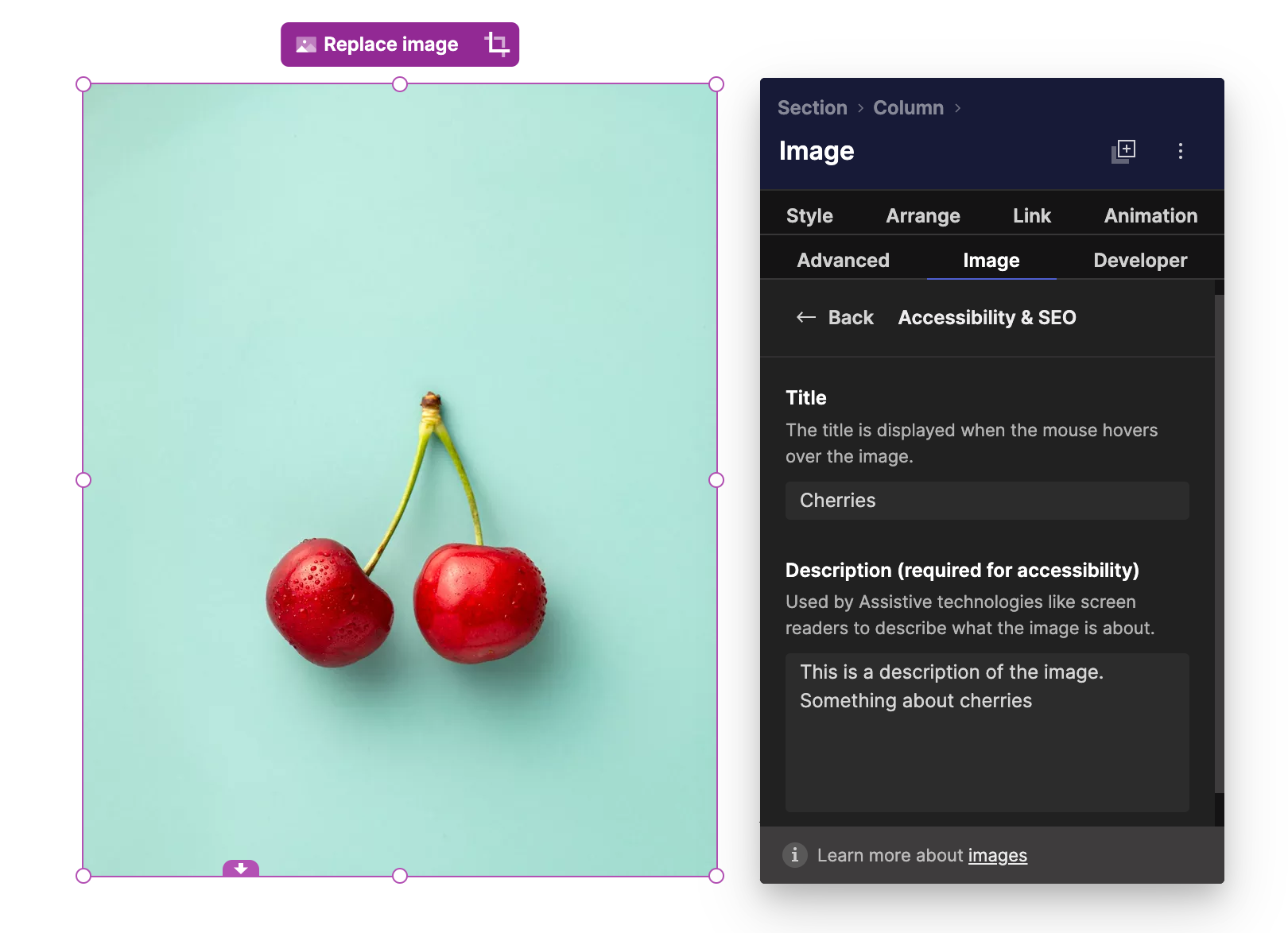
Once you’ve selected an image, click on the “IMAGE” tab found within the Editing Menu. Then, select “IMAGE SEO” to add image tags such as Alt and Title.
Do image file names matter?
Any file added to Pagecloud will keep the original file name. Pagecloud adds a custom ID parameter to the image. This ensures that the file can’t be overwritten by a different file with the same name.
Where can I add page keywords?
You can add page keywords through the settings tab in the Sidebar. Major search engines generally do not use the keywords meta tag for ranking, so prioritize useful page content, titles, descriptions, and links.
Does Pagecloud optimize images?
As of May 2017, Pagecloud optimizes images when uploaded. This reduces your site load times and data usage when viewing on mobile devices.
Does Pagecloud support HTTPS?
Pagecloud provides an SSL certificate automatically when you connect your custom domain. Follow the custom-domain guide for your site type.
How do I add language, canonical, and other custom tags?
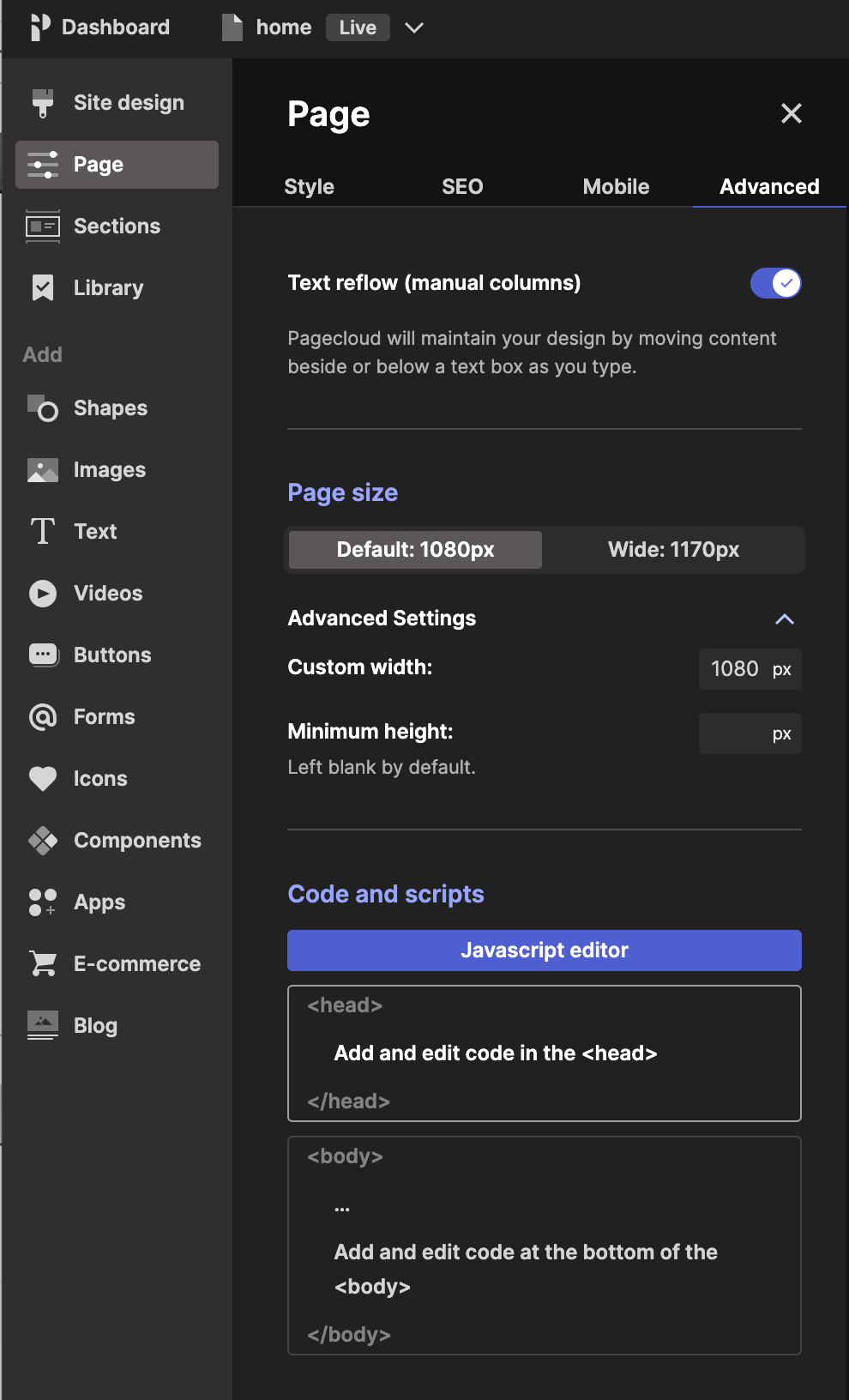
Pagecloud offers full access to the source code, so you can add custom tags to the head of each page. The head editor is located under the Advanced tab of your Page Settings.
How do I redirect an old page URL?
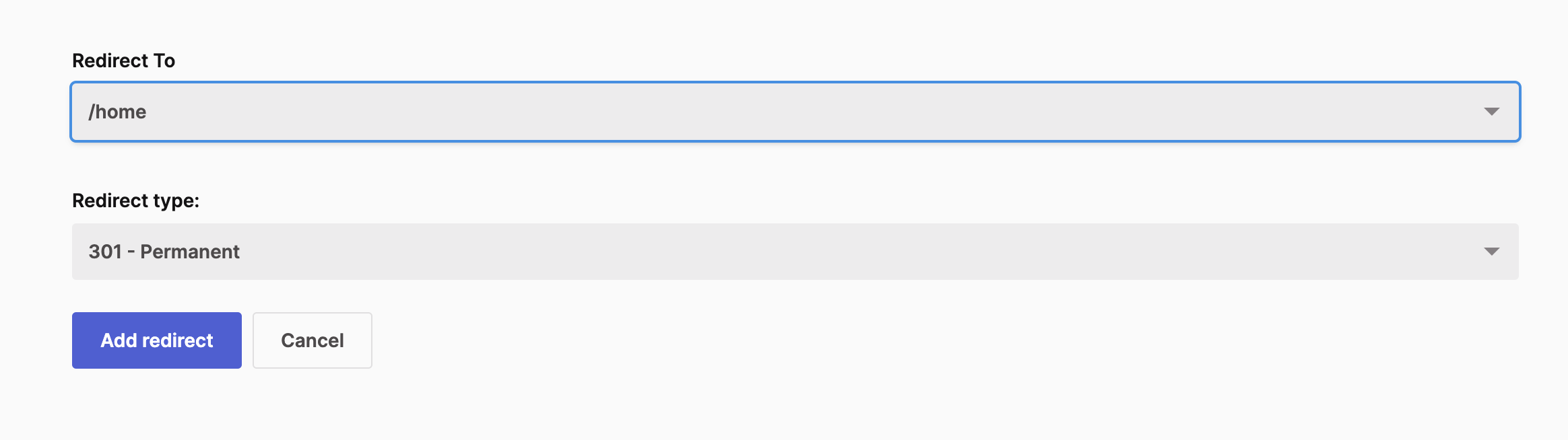
Once you’ve set up your custom domain, Pagecloud lets you redirect an old URL to a current page. Specify the old path and its destination. For example, redirect /old_link.html to /home.
Redirects can be found under the “SITE SETTINGS” tab of your site’s dashboard.
How do I create a custom 404 page?
Each Pagecloud site comes with a default 404 page. If you’d like to create a custom 404 page, simply create a page and name it “404” to override the default page. Deleting or renaming this page will return the default 404 page.
How do I optimize a classic site for mobile?
Use Pagecloud’s desktop and mobile modes to review and customize the page at different screen sizes. Learn more about mobile mode.
How do I control social sharing previews?
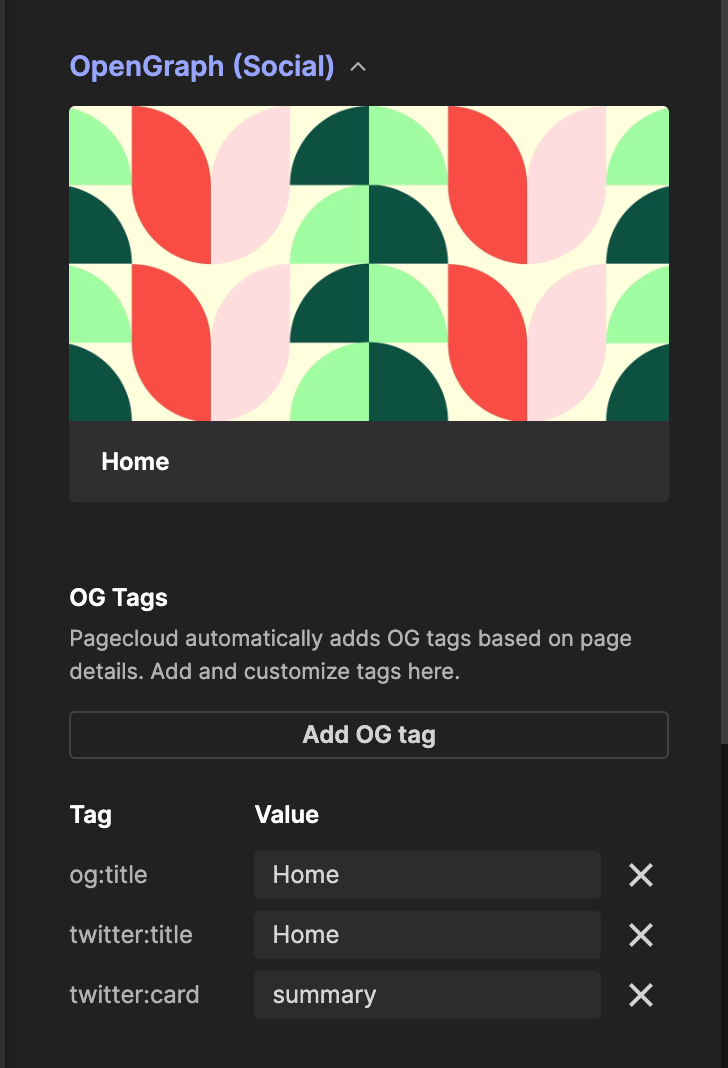
Open Page Settings, then the SEO tab, to add an Open Graph image and social sharing tags. Pagecloud creates default tags from your page details, and you can add custom values when needed. Learn more about Open Graph images and tags.
Does Pagecloud create a sitemap?
Pagecloud creates a sitemap for each site. Open /sitemap.xml on the site’s Pagecloud address or connected custom domain. Learn more about Pagecloud sitemaps.
Does Pagecloud create a robots.txt file?
Once you’ve added a custom domain, Pagecloud automatically creates a robots.txt file to ensure your websitename.pagecloud.com doesn’t get indexed by search engines.
How do I hide one page from search results?
You can also control indexing and link following on a per-page basis from the SEO tab in Page Settings. This lets you hide individual pages from search results or prevent search engines from following links on specific pages, without affecting the rest of your site. See Control Page Indexing with Noindex and Nofollow for details.
Does Pagecloud support AMP?
Pagecloud does not currently participate in the AMP project.